Tag: etsy-workflow

  • What is the best file type for Etsy digital downloads? (Easily sort through JPG, PNG, and PDF options)

    What is the best file type for Etsy digital downloads? (Easily sort through JPG, PNG, and PDF options)

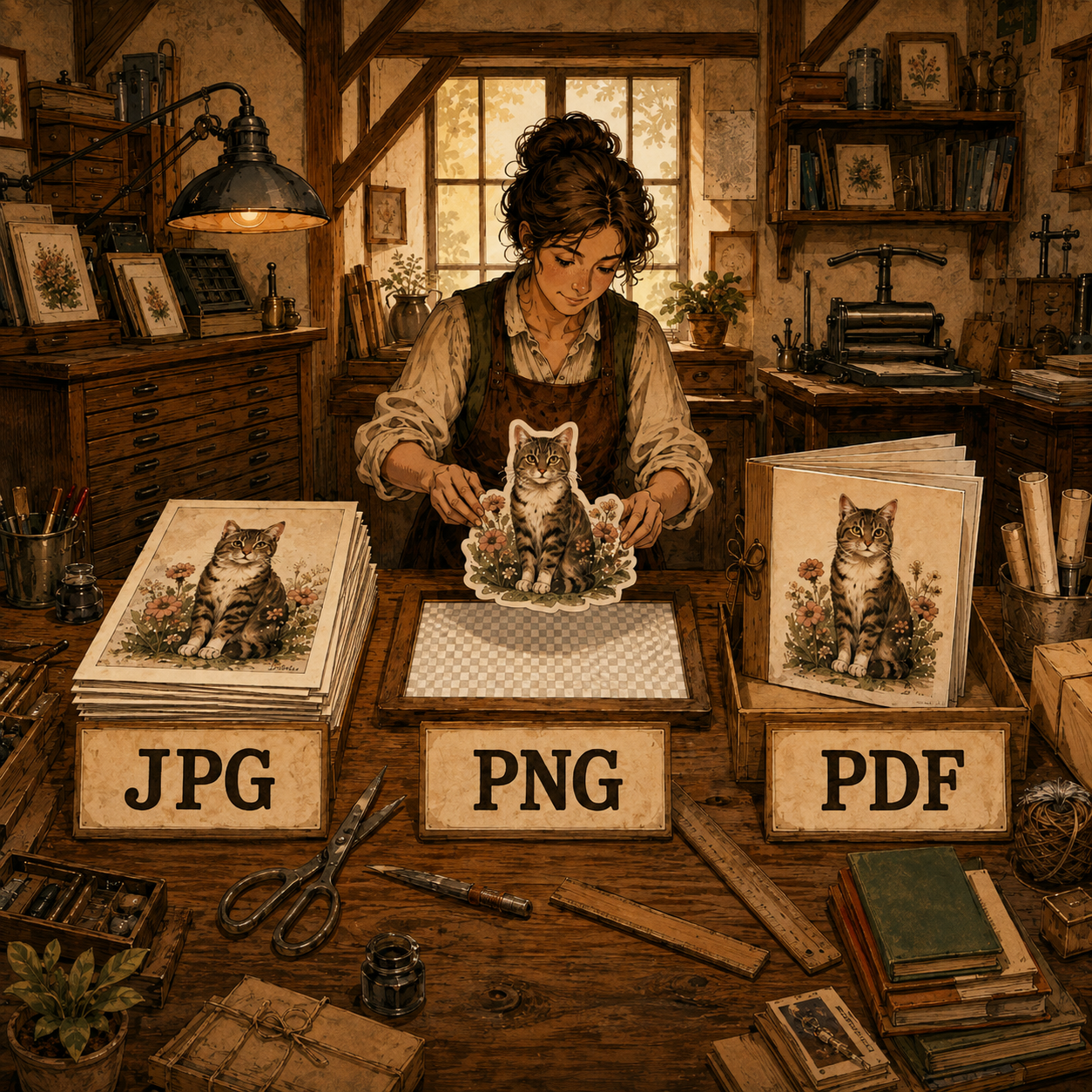
    JPG, PNG, and PDF all show up somewhere in an Etsy printable listing, and the question every seller actually has is simpler than the format list makes it look: which one does my art need to be delivered in? Only one of them is the real print file: JPG. Printprep.art delivers every ratio as a high-quality JPEG, because printable art doesn’t need a transparent background.

    What each format actually does

    FormatWhat it is
    JPGThe print file for every ratio and size
    PDFA separate delivery question, not a print format

    JPG

    JPG is the print format Printprep.art uses for every ratio and size, because printable wall art doesn’t need a transparent background to begin with. Some Etsy sellers still offer PNG files, but a high-quality JPEG holds the same visual quality at a fraction of the file size.

    A ZIP with five or six large JPGs stays a manageable size for both you and your buyer, which matters once you are delivering true 300 DPI files across every popular ratio.

    PDF

    PDF is not a print file in Printprep.art’s workflow at all. It answers a separate question: how a large ZIP of print files gets delivered under Etsy’s 20MB attachment limit.

    That question has its own full answer, in why your Etsy listing needs a PDF.

    Why the distinction matters

    • JPG: the actual print file, delivered for every ratio and size in your listing.
    • PDF: a separate delivery question, with its own full answer in why your Etsy listing needs a PDF.
    • Your buyer only ever prints the JPG inside the ZIP, never the PDF itself.

    For the buyer’s side of this handoff, see what happens after a buyer clicks buy.

    Your next listing gets a high-quality JPEG for every ratio, generated automatically the moment you upload your art.
  • 3 ways to sell more printable art (and post your listings faster)

    3 ways to sell more printable art (and post your listings faster)

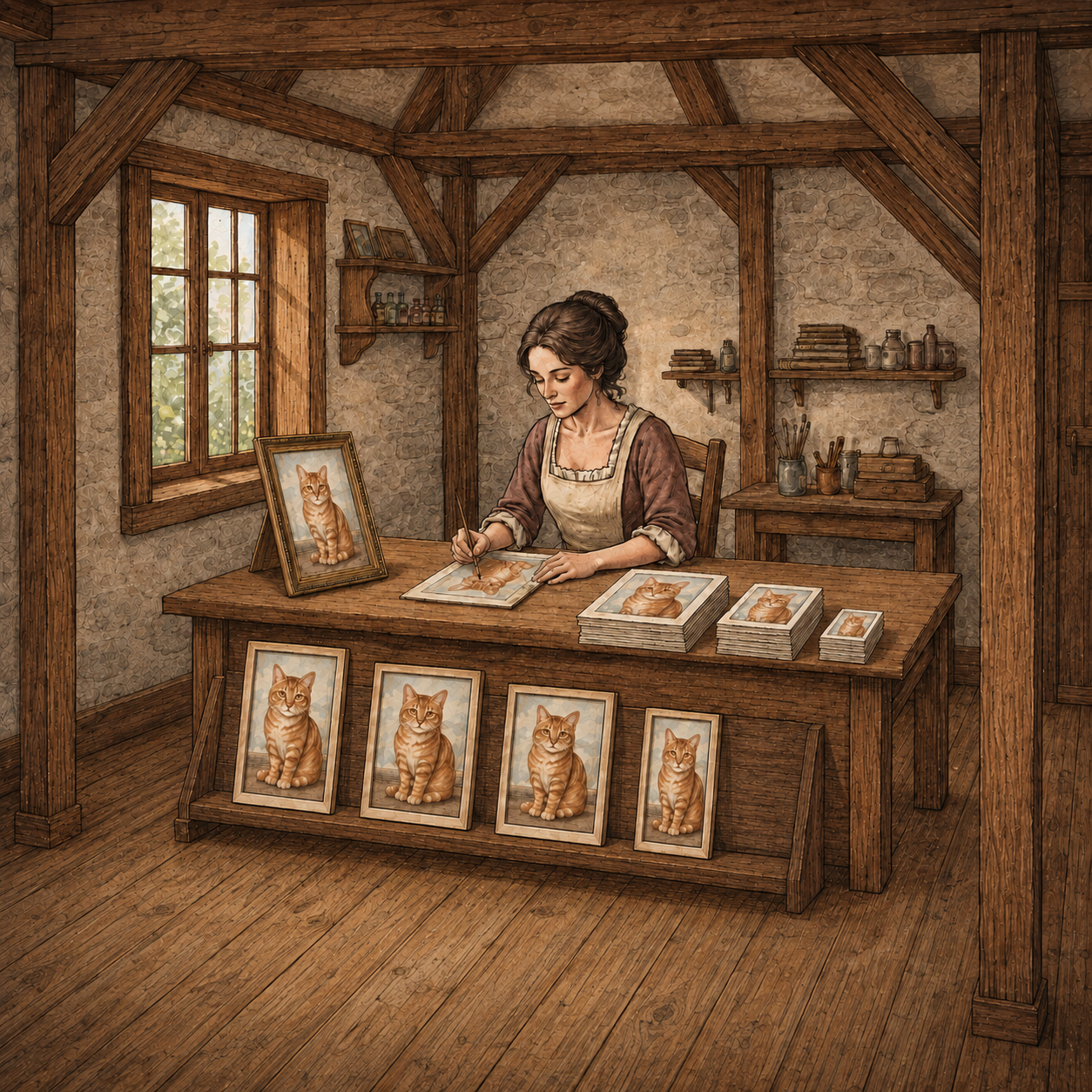
    Add up what a new listing actually costs you before a single sale comes in, and the number is bigger than any one subscription bill.

    The four tools, and what each one does

    A typical printable-art prep workflow looks like this: Photoshop to crop and resize the file for each ratio, Topaz to upscale it to a printable resolution, and Kittl or Canva to build room mockups for the listing photos. Then comes the part with no dedicated tool at all: staring at a blank title field and guessing at tags and titles by hand.

    Every handoff is a chance to lose track

    Every handoff between those tools means exporting a file from one, tracking down where it saved, and re-importing it into the next, correctly, for every ratio you are prepping.

    Miss a step and you catch it three tools later, when the mockup looks wrong because you imported the wrong version by mistake.

    Four separate subscriptions. Four separate interfaces. One file that has to survive all of them before it’s ready to list.

    The time math

    You’re spending 1-2 hours on prep for every listing. That is not one long task, it is several short ones stacked back to back.

    Where the time actually goes

    Cropping each ratio in Photoshop alone takes fifteen or twenty minutes. Then you wait on an upscale to finish in Topaz, watching a progress bar instead of making art.

    Building mockups in Kittl or Canva takes another twenty or thirty minutes, nudging the art until the scale looks right.

    The part with no clock on it

    Then comes the part with no clock on it at all: you sit with a blank title field, second-guessing tags, wondering if the words you picked are the words a buyer would actually search.

    None of those steps feels unreasonable on its own. Stacked back to back, across four different interfaces, they become the 1-2 hours that stand between a finished design and a live listing.

    Multiply that by however many designs you are trying to list this month.

    Prep time becomes the actual ceiling on how much you can sell, not your ability to make new art.

    What one workflow changes

    Replace Photoshop, Kittl, Canva, and Topaz. Printprep.art carries one uploaded file through crop, upscale, mockup, and listing copy in a single guided workflow, so you never have to export the file from one tool and re-import it into the next.

    We handle the tedious parts so you can list more art for sale.

    From digital file to printable art Etsy listing in 10 minutes.

    Prep your next design in one workflow instead of four.

  • How to Sell More Art by Writing Better Listing Titles

    How to Sell More Art by Writing Better Listing Titles

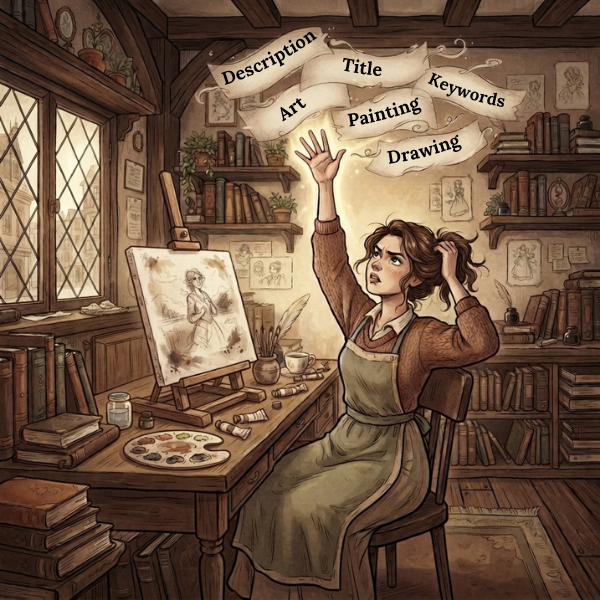
    You have rewritten the same title five times, swapped two tags for synonyms, and you still do not know if any of it moved the needle.

    That’s guessing, dressed up as listing copy.

    Why guessing is the default

    Most listing-copy advice stops at “research your keywords” and leaves the actual translation to you: turning a spreadsheet of search terms into one coherent title and thirteen distinct tags that do not just repeat each other. Etsy weights the first five words of your title more heavily than the rest for search, but nothing in a generic keyword list tells you that going in.

    It is easy to open with a generic phrase like “Beautiful boho wall art print” when the phrase actually doing the search work sits three or four words later, where it barely counts toward that early weighting.

    How Printprep.art writes your title and tags

    Printprep.art writes your title, tags, and description from an analysis of the art itself, whatever you have already typed into those fields, and the file’s own name.

    Why the tags don’t just repeat the title

    It front-loads the strongest search phrase into the first five words of the title, then expands the tags into adjacent buyer language, rooms, occasions, colors, and style words, instead of repeating the same words the title already used.

    If your title already spends its first five words on the strongest phrase, tags built around synonyms of that same phrase waste search coverage you already have.

    Repeating your title in your tags wastes search coverage you already have.

    Printprep.art tracks what the title already claimed and spends the tag slots on adjacent language instead: room names, occasions, and color or style words a buyer might search that the title did not already cover.

    You stay in control of the result. Edit or regenerate the title, tags, or description individually, as many times as you want, before anything goes live.

    Spend more time on art and less on art preparation tasks.

    What still needs a human decision

    • Whether the generated title actually sounds like your shop
    • Whether a suggested category or attribute fits the specific piece
    • You still do the final review before you hit publish

    Your listing is ready.

    See the real cost of a 4-tool workflow for the full time math on prep work, title and tags included.

    See the title and tags Printprep.art writes for your next design.

  • What happens after a buyer clicks “buy” on a digital download

    What happens after a buyer clicks “buy” on a digital download

    A buyer purchases your digital download, and then what?

    If you cannot answer that in one sentence, you cannot know whether the moment right after checkout looks professional or looks like a stranger’s shared folder.

    The problem Etsy’s own file limit creates

    Etsy caps digital download attachments at 20MB, a limit set for typical digital products like printable planners or clip art, not a ZIP of true 300 DPI print files spanning five or six ratios.

    A single upscaled file for one popular ratio can already sit close to that ceiling, so a full multi-ratio ZIP almost never fits inside the limit.

    Two bad workarounds

    Sellers who do not solve this land on one of two options: shrink the files until they lose print quality, or paste a raw cloud storage link into the listing description or a follow-up message.

    Either one looks exactly as unpolished and improvised as it sounds to a buyer who just paid for a finished product.

    What Printprep.art delivers instead

    Printprep.art uploads your print-file ZIP to your own connected Google Drive account, then generates a branded PDF that fits inside Etsy’s 20MB limit. That PDF carries your shop name, your logo, and a preview of the art, along with one clearly labeled download button.

    The first thing your buyer sees after checkout is your shop’s own branding, not an anonymous file name in a downloads folder.

    Your buyer receives that PDF as their Etsy download, opens it, and clicks through to the full ZIP on Google Drive.

    For each popular ratio, Printprep.art upscales your art to true 300 DPI and delivers one file per ratio your buyer can print at that size or smaller.

    The PDF is the wrapper. The buyer’s actual print file lives inside the ZIP it links to.

    See JPG vs. PNG vs. PDF for Etsy digital downloads for how Printprep.art chooses the print file format itself.

    Why this matters for how your shop looks

    • Your buyer sees your branding at the exact moment they open their purchase, not a generic file name.
    • The download comes from your own Google Drive account, not a shared link you do not control.
    • Etsy’s file size limit stops being something you have to work around by hand.

    From digital file to printable art Etsy listing in 10 minutes.

    Spend more time on art and less on art preparation tasks.

    See the delivery PDF Printprep.art builds for your next listing.